Jira Reminders: Installation and Setup
There are two steps to install and setup Jira Reminders app:
1. Installing Jira Reminders
You can install Jira Reminders from the Slack App Directory page, our website, or by clicking here. This will get you the free version of Jira Reminders instantly.
If you're looking for more advanced features, check out our paid plans.
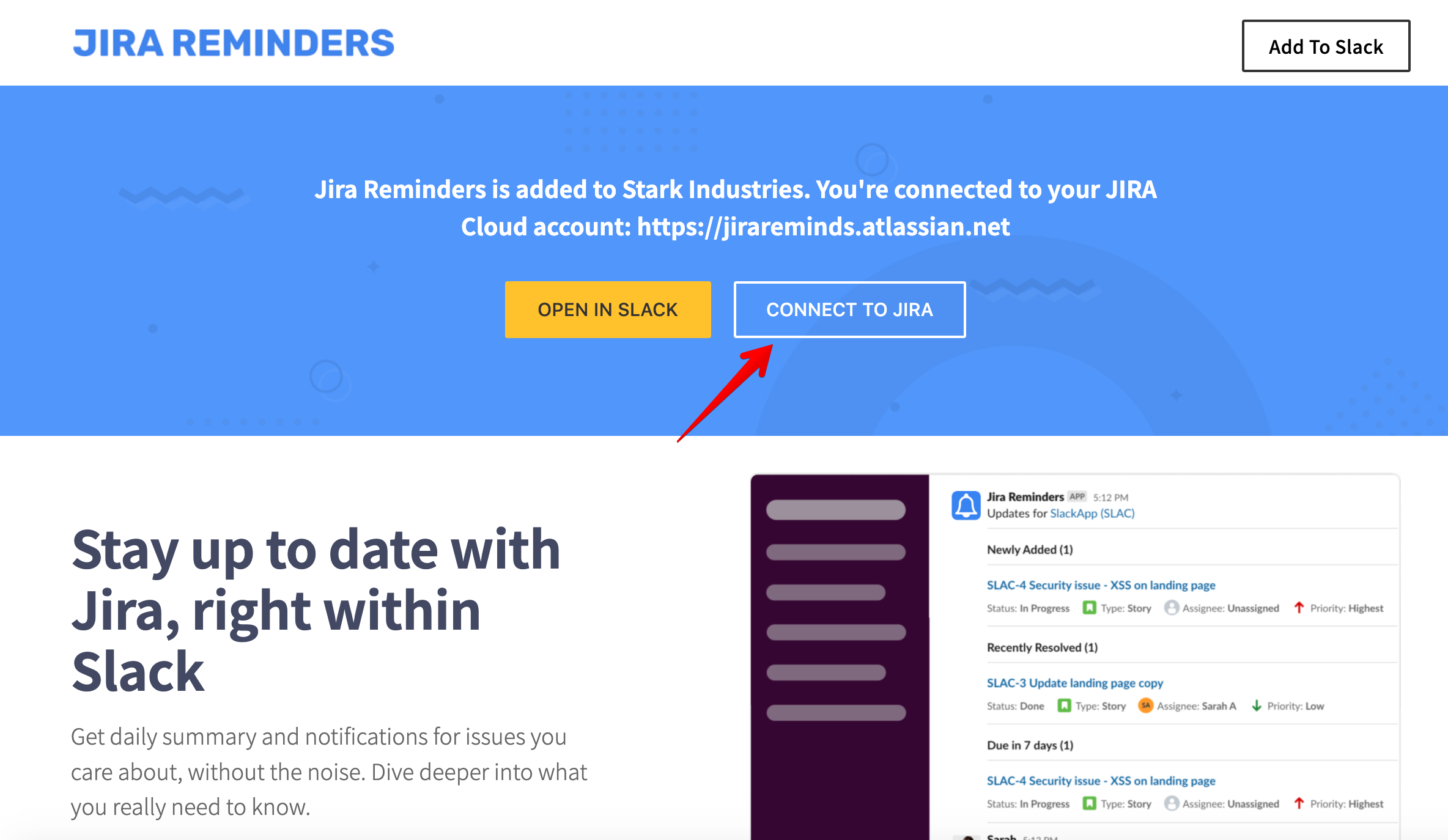
2. Connect to Jira
Once you've installed the app, you will be prompted to connect to Jira on https://www.jirareminders.com/. Follow the prompt to connect to your cloud instance of Jira. If you're using a self-hosted Jira server, you will need to be on an enterprise plan. Please contact support@jirareminders.com for more details.
Once you've installed Jira Reminders and completed the connection it's time to add reminders.